
1
Select Your Music
Choose a song generated by AIMusicGens from your music library.
Select a Song
Choose a song from your library to separate vocals and instruments.
Two-track vocal separation
Use AI separation on a completed AIMusicGens library song. Vocal Remover is built for the classic two-output job: one isolated vocal track and one instrumental backing track saved to your account.
Vocal remover sample
Use the sample to hear exactly how a completed song becomes two reusable outputs while the original mix stays available as a reference.
Original audio
The complete mix stays available as the source reference.
Vocal
Lead vocal is isolated for remixing, practice, and reference work.
Instrumental
Backing audio keeps the arrangement while removing the lead voice.
Turn one completed AIMusicGens track into vocal and instrumental files without manual audio editing.
Choose a song generated by AIMusicGens from your music library.
The AI analyzes the full mix and separates the lead vocal from the instrumental backing.
Use the new vocal and instrumental results from My Songs for karaoke, remixing, rehearsal, video, or related production workflows.
Vocal Remover features
Use Vocal Remover when you need a clean vocal plus instrumental result from a song already stored in AIMusicGens.
Get a practical two-track result for common vocal-removal jobs without setting up a DAW.
Try the removerSelect a saved song, run separation, and move into your next creative step with fewer manual edits.
Separate a trackUse tracks already generated and stored in AIMusicGens, keeping the separation process tied to your account workspace.
Open My SongsCreate the source song, run vocal removal, or switch to Stem Splitter when the project needs drums, bass, keys, guitar, and other stems.
Explore stemsSuite handoff
Use Vocal Remover as the fast two-track post-production step: create or choose the source song, separate the vocal and instrumental, then move to deeper stem control only when needed.
Use AI Music Generator when you need a new full song with vocals, then come back here to separate it into vocal and instrumental versions.
Create a fresh background track in Text to Music when you want a non-vocal cue before you ever need vocal removal.
Open Stem Splitter when vocal and instrumental outputs are not enough and you need drums, bass, keys, guitar, and more as separate parts.
Use the two outputs for karaoke, covers, remix sketches, rehearsal, background beds, and creator workflows without leaving your AIMusicGens library.
Extract vocals for remix sketches, mashups, arrangement references, and fast production experiments.
Create instrumental backing tracks for practice, covers, performances, and karaoke-style sessions.
Turn a song into background music that keeps the arrangement while removing distracting lead vocals.
Prepare vocal-free practice tracks or isolate phrasing examples for lessons, rehearsals, and guided feedback.
Upload audio from your device or choose a song from your library. Processing requires a paid plan. Creates exactly two tracks: Vocals and Instrumental.
Upload audio from your device or choose a song from your library. Processing requires a paid plan. Creates exactly two tracks: Vocals and Instrumental.
No. The current vocal-remover backend is available to paid subscribers. Free users can explore AIMusicGens and create songs, then upgrade before running vocal separation.
Upload audio from your device or choose a song from your library. Processing requires a paid plan. MP3, WAV, M4A, AAC, OGG, or FLAC up to 100 MB.
Yes. The instrumental output removes the lead vocal while preserving the backing arrangement as much as the AI separation allows.
Use Stem Splitter for full multi-part separation. Vocal Remover is focused on the classic two-output split: vocals and instrumental backing.
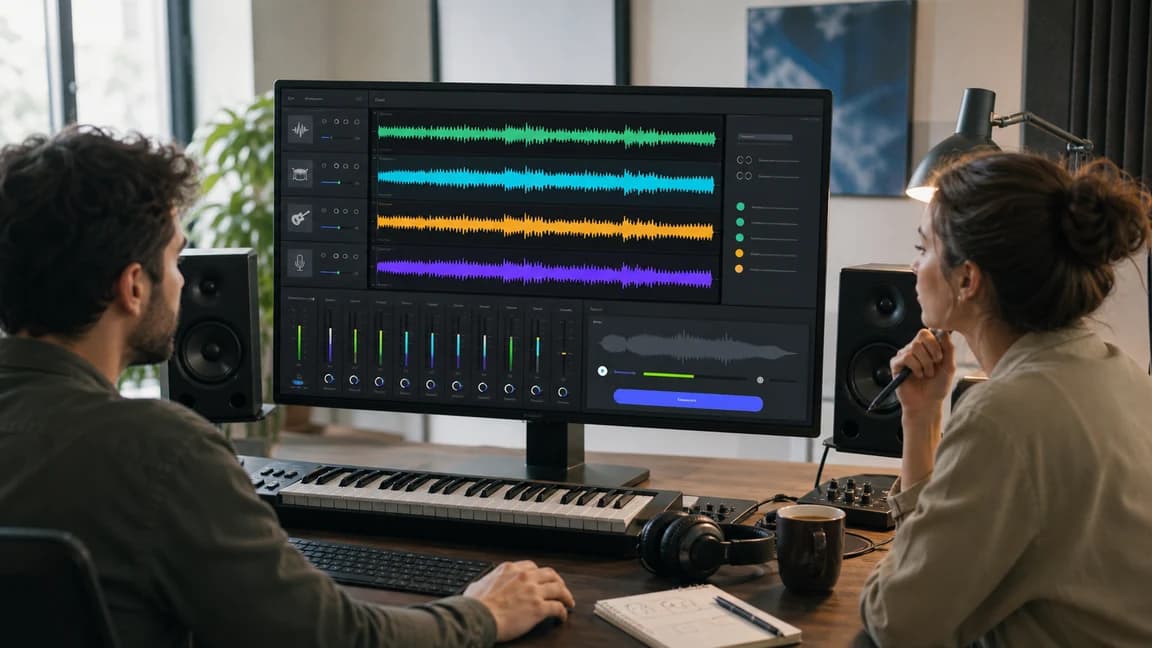
Pick a completed song from your library, create vocal and instrumental outputs, and move into karaoke, cover, remix, rehearsal, or content workflows without leaving AIMusicGens.
Paid plan required for vocal removal