
1
Pick the right source
Upload a local WAV, MP3, FLAC, OGG, M4A, AAC, or WMA file, or select a finished Workspace song. Clear melodies and focused instrument parts usually produce cleaner MIDI.
Select from My Songs
Use a public audio URL for larger files.
Convert first, then open the MIDI Editor to inspect notes, refine timing, and continue arranging.
Open MIDI EditorAudio to MIDI workflow
Use this page when you already have a melody, riff, demo, or generated song and want a MIDI reference to edit. Upload audio, convert it to notes, then take the .mid file into your editor or DAW.
How the conversion works
The converter keeps the path narrow on purpose: pick the audio, turn it into notes, then review the MIDI file before you edit it elsewhere.
Upload a local WAV, MP3, FLAC, OGG, M4A, AAC, or WMA file, or select a finished Workspace song. Clear melodies and focused instrument parts usually produce cleaner MIDI.
AIMusicGens transcribes the selected source audio into MIDI. The page keeps generation, key, tempo, genre, and scale controls out of the conversion flow so the result stays focused on the source.
The returned MIDI URL appears in the results workspace. Download it, then adjust notes, timing, and instruments in a MIDI editor or your DAW.
When to use this tool
AIMusicGens already has tools for making songs, splitting stems, and editing MIDI. This page fills the gap between an existing audio idea and editable note data.
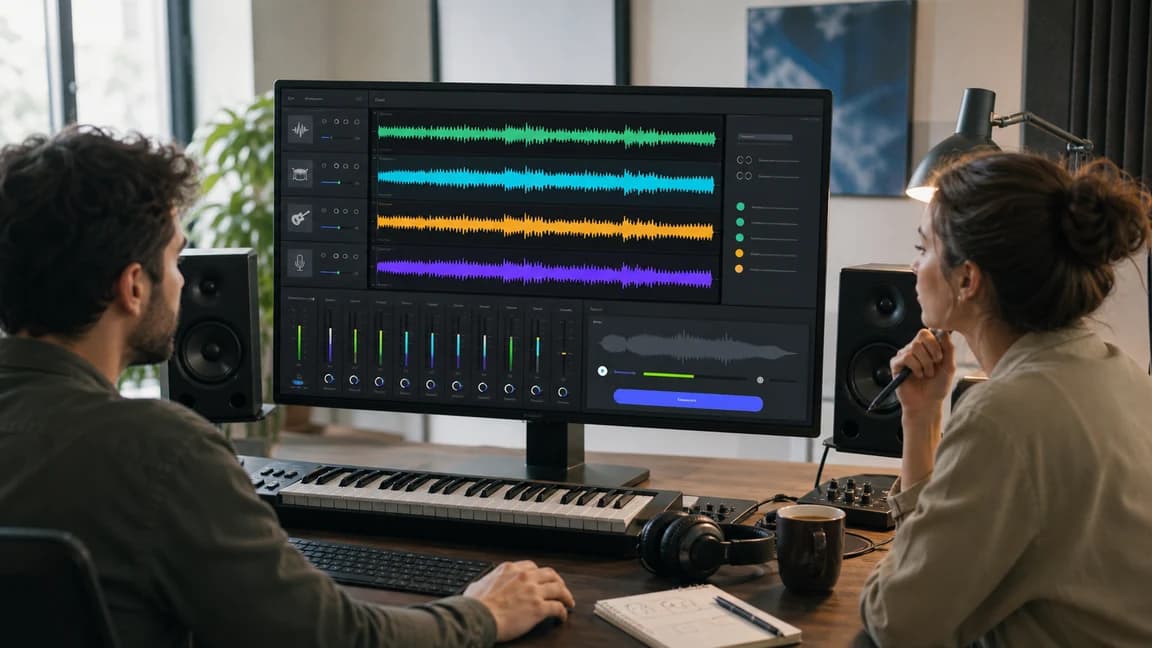
Bring in a melody you hummed, a guitar phrase, a piano sketch, or another short idea that you want to rebuild as editable notes.
Convert audio
If you made a song in AIMusicGens, you can reuse that track as the source instead of downloading it and uploading it again.
Convert audio
The workspace asks only for the source audio and shows the MIDI result when it is ready, so you do not confuse conversion with song generation.
Convert audio
Use the converted file as a starting point. Clean up note lengths, split tracks, change instruments, or keep arranging in the MIDI Editor or your DAW.
Convert audioTool fit
Use nearby AIMusicGens tools for other jobs so each page has a clear role and the workflow stays easy to follow.
Turn a recorded melody, loop, demo, or generated song into a downloadable MIDI file.
Use this converterOpen or refine MIDI notes after conversion, or start from notes when you do not need audio transcription.
Edit MIDI notesSeparate drums, bass, vocals, and instruments when you need audio stems instead of note data.
Split audio stemsCreate a new song first when you do not have source audio yet, then convert the finished result if MIDI would help.
Generate a songQuality notes
Audio-to-MIDI transcription is useful, but it is not the same as receiving a perfect studio session file. Treat the result as an editable draft.
Single-note lines, piano phrases, guitar riffs, hooks, and short loops are easier to read than crowded full mixes.
When vocals, drums, bass, and effects overlap, the MIDI may contain extra notes or timing guesses that need cleanup.
Use the result to study notes, rebuild a melody, change instruments, or continue arranging after you edit the transcription.
Use it when you already have audio and want editable note data. It works well for melodies, hooks, riffs, piano sketches, guitar phrases, short loops, and generated AIMusicGens songs that you want to rebuild as MIDI.
Yes. Choose Upload Music and select a supported audio file from your device, such as MP3, WAV, OGG, M4A, AAC, FLAC, or WMA. Files can be up to 100 MB.
Yes. Choose From My Music and select a completed AIMusicGens song. The page uses that saved song audio as the conversion source, so you do not need to download and re-upload it.
Yes. Conversions run for signed-in AIMusicGens users and count toward the same daily or subscription usage period as other generation tools.
No. Audio-to-MIDI conversion reads the notes from the source audio. Tempo, key, genre, lyrics, and scale prompts are better handled after conversion in a MIDI editor or DAW.
Yes. The returned file is a standard MIDI file that you can download and open in a DAW or MIDI editor. You may still need to clean up notes, timing, velocities, and instrument assignments.
Use MIDI Editor after conversion when you want to inspect and change the notes. Use this Audio to MIDI page first when the starting point is an audio recording or finished song.
Upload a local file or choose a finished AIMusicGens track. The converter returns a MIDI file you can download, inspect, and refine.
Signed-in conversions follow your AIMusicGens usage limit