AIMusicGens logoAIMusicGens
All-in-one AI music generation platform

Free AI Music Generator & AI Music Tools

AIMusicGens helps creators turn prompts, lyrics, scenes, and content briefs into songs, text-to-music instrumentals, and editable music drafts in one workflow.

Up to 8 mins Music100% Royalty-FreeFree tries available

Hear what this AI music generator can create

Preview songs, background tracks, loops, and creator-ready drafts, then start your own prompt, lyrics-to-music, or text-to-music workflow.

Choose Your AI Music Tool

Choose the Right AI Music Tool

Pick the workflow that matches your next step: generate from text, turn lyrics into music, write lyrics, remove vocals, split stems, or convert audio to MIDI. Each path stays connected to the same AIMusicGens creation workflow.

Text to Music
Text to Music

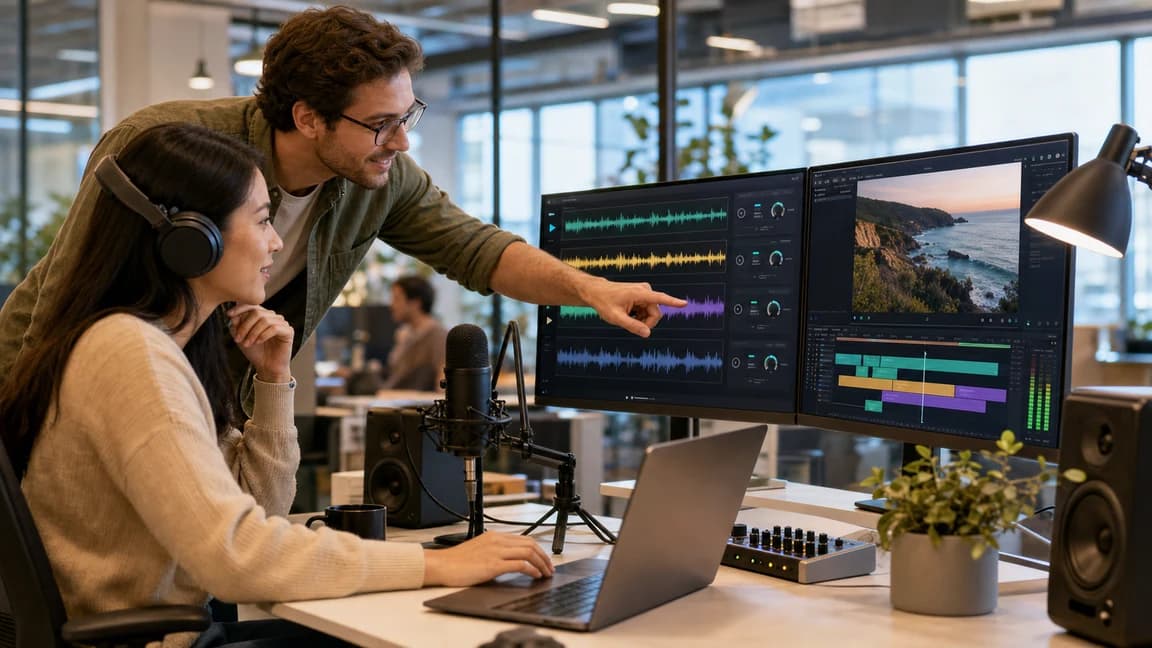
Video editors, podcasters, product teams

Text to Music

Turn a written idea, scene, or mood into instrumental music for creator projects.

  • Transform text prompts into music directions for videos, podcasts, games, and demos.
  • Describe genre, mood, pacing, instruments, and use case in plain language.
  • Create background music without needing a DAW, instruments, or music theory.
Lyrics to Music
Lyrics to Music

Songwriters, poets, lyric-first creators

Lyrics to Music

Bring your own words into a full song workflow with vocals, melody, sections, and arrangement.

  • Paste lyrics, poems, hooks, or drafts and hear them as a complete song direction.
  • Use style prompts to guide vocal feel, genre, tempo, and production energy.
  • Move lyric-first ideas into a playable track instead of leaving them as text.
AI Lyrics Generator
AI Lyrics Generator

Writers, topliners, hook testers

AI Lyrics Generator

Draft stronger hooks, verses, choruses, and song structures before you generate the track.

  • Generate lyric ideas from a theme, emotion, story, or genre direction.
  • Explore alternate hooks and sections before committing to a vocal arrangement.
  • Use the strongest draft as source material for lyrics-to-music generation.
AI Vocal Remover
Vocal Remover

Singers, cover creators, remixers

AI Vocal Remover

Separate vocals from the instrumental mix when you need cleaner karaoke, remix, cover, or practice material.

  • Split a track into vocal and instrumental parts for karaoke, covers, rehearsal, and quick remix prep.
  • Clean up source material before moving into editing, arrangement, or creator publishing workflows.
  • Use vocal separation when you need a focused two-track result instead of a full multi-stem export.
AI Stem Splitter
AI Stem Splitter

Producers, remixers, editors

AI Stem Splitter

Separate a generated track into editable parts when you need more control after creation.

  • Split vocals, drums, bass, and instruments for remixing, cleanup, and alternate edits.
  • Prepare stronger drafts for DAW work or downstream production workflows.
  • Use stem control when one full mix is too limiting for your next step.
Audio to MIDI
Audio to MIDI

Composers, producers, MIDI learners

Audio to MIDI

Turn audio ideas into MIDI-style references when you want more composer-friendly control after generation.

  • Convert audio direction into note-based references for composition and arrangement planning.
  • Use MIDI-style output as a bridge between AI music generation and production tools.
  • Best for composers, producers, and creators who want more control than a single finished audio mix.

AI Music Generator for Real Creator Workflows

Why creators choose AIMusicGens

Clear facts about what AIMusicGens supports, how the workflow fits together, and when usage rights apply.

AI music creation platform

Generate songs, lyrics-to-music tracks, and text-to-music instrumentals from simple creative briefs.

Built for real content workflows

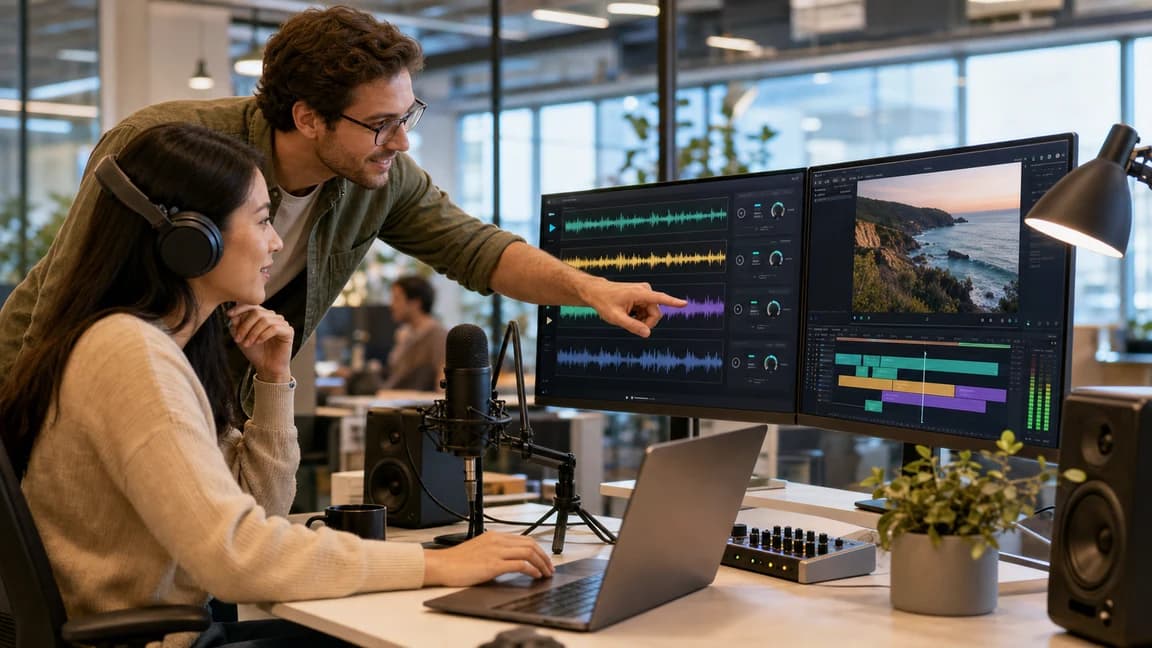
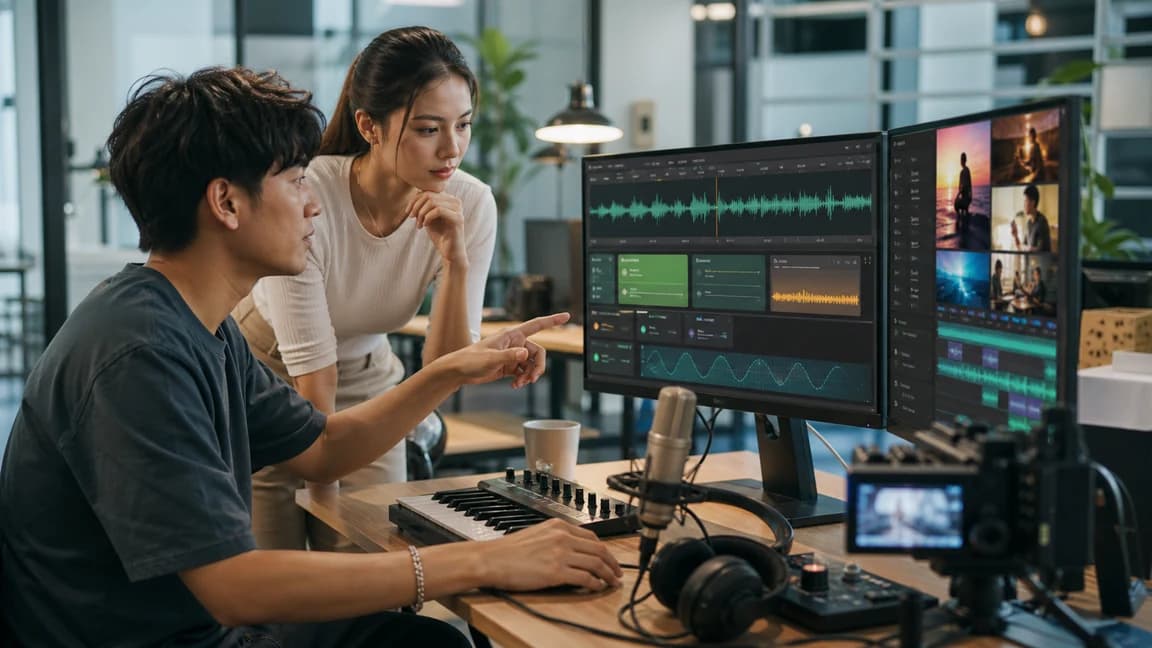
Create music for videos, podcasts, social clips, product demos, songwriting, and brand projects.

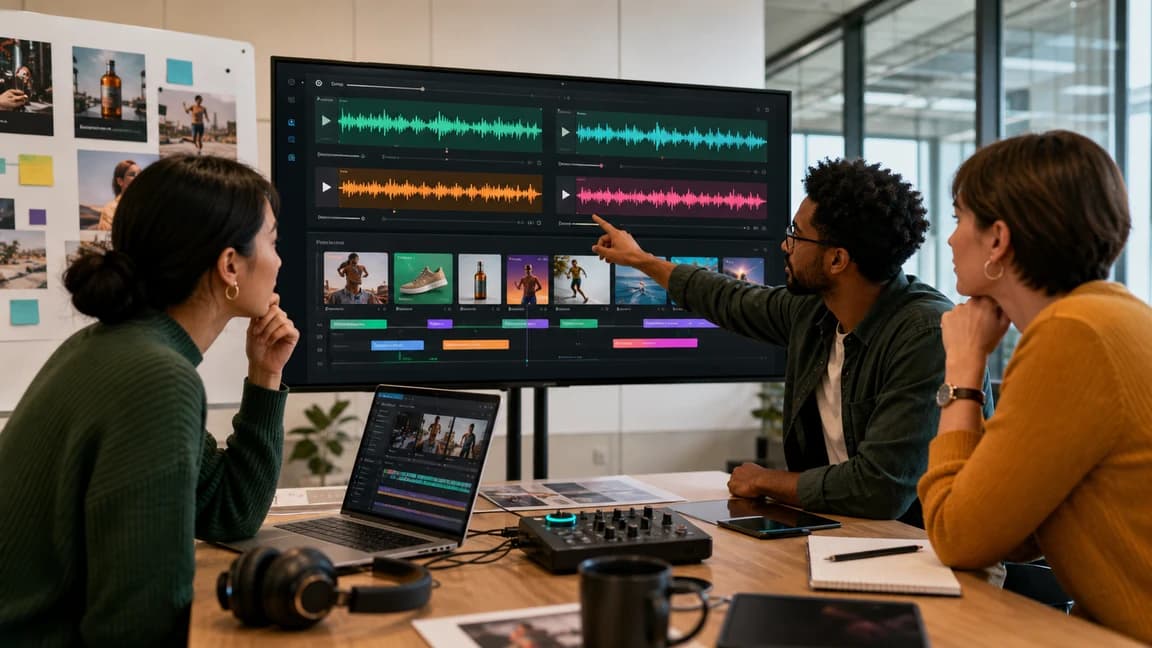
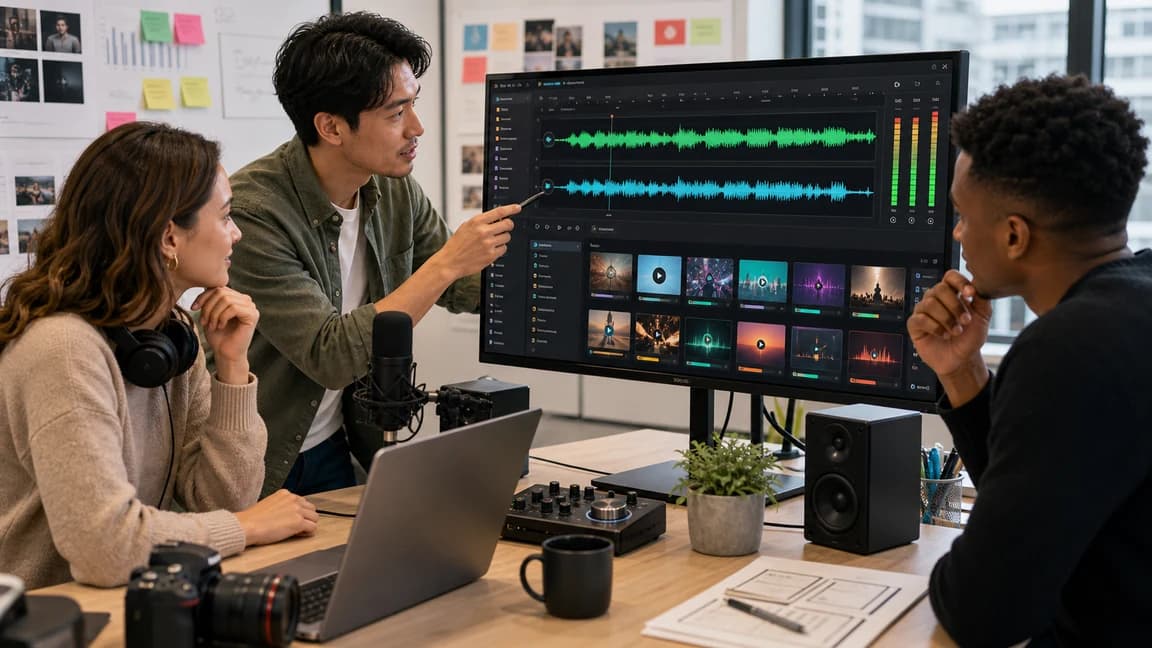
Creators shaping music direction together

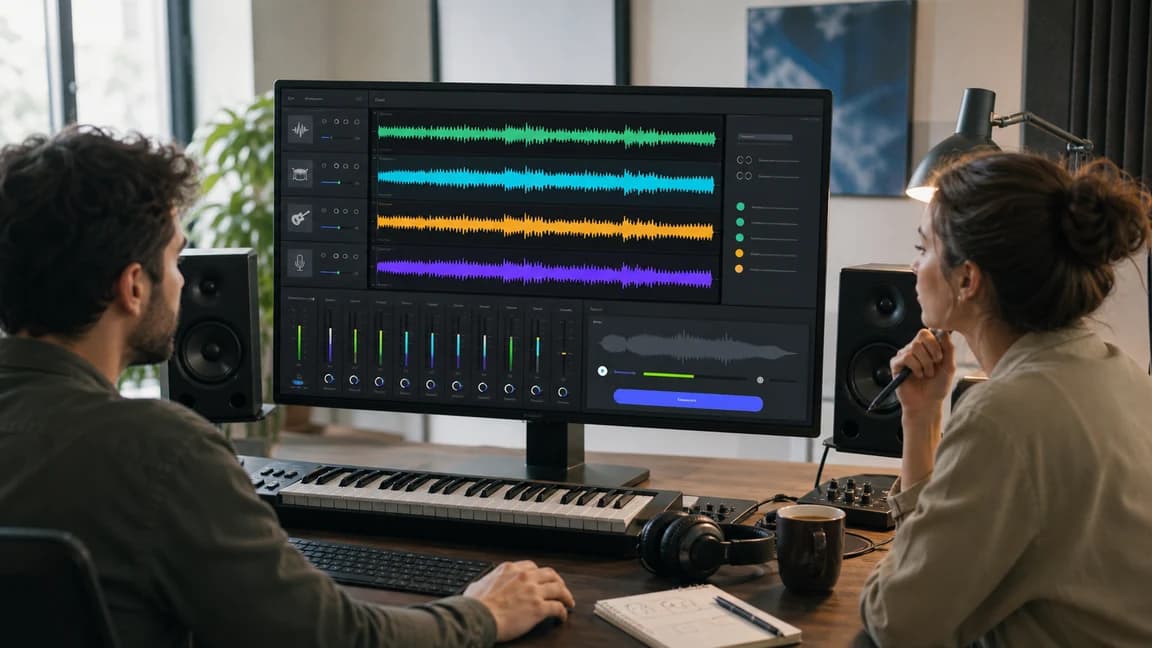
Once a draft feels close, keep refining it with extension, AI Stem Splitter, and vocal tools instead of rebuilding the track from zero.

Post-generation editing tools

Extend songs, split stems, and remove vocals to keep improving strong ideas.

Faster path to usable audio

Move from rough prompt to reviewable music without a traditional studio setup.

All-in-One AI Music Generator Platform

From First Idea to Publish-Ready Music

Use the suite as a staged workflow: create the first draft, produce review-ready audio, edit useful outputs, and review usage rights before publishing.

Create

Create Music from Any Idea

Start from a prompt, lyrics, mood, scene, or content brief and turn the idea into a first playable direction.

  • Generate songs with vocals, melody, sections, and arrangement direction from simple creative input.
  • Move from lyric-first writing or text-to-music prompts into a playable draft without a studio setup.
  • Explore multiple directions quickly so creators, writers, and content teams can find the strongest idea.
Start Creating from Your Idea
Create Music from Any Idea

Produce

Review-Ready Songs and Instrumentals

Turn the selected direction into review-ready songs or instrumentals for publishing, demos, and content workflows.

  • Create song or instrumental drafts from genre, mood, tempo, and instrumentation prompts.
  • Choose a focused path for full songs, text-to-music instrumentals, or lyrics that need musical shape.
  • Prepare tracks for YouTube videos, podcasts, social clips, games, and brand projects without complex tools.
Generate Your Track
Review-Ready Songs and Instrumentals

Edit

Edit and Customize Your Music with AI Tools

Keep improving strong drafts with post-generation tools for length, stems, vocals, and reusable production assets.

  • Extend promising songs when the idea works and you need more runway instead of a restart.
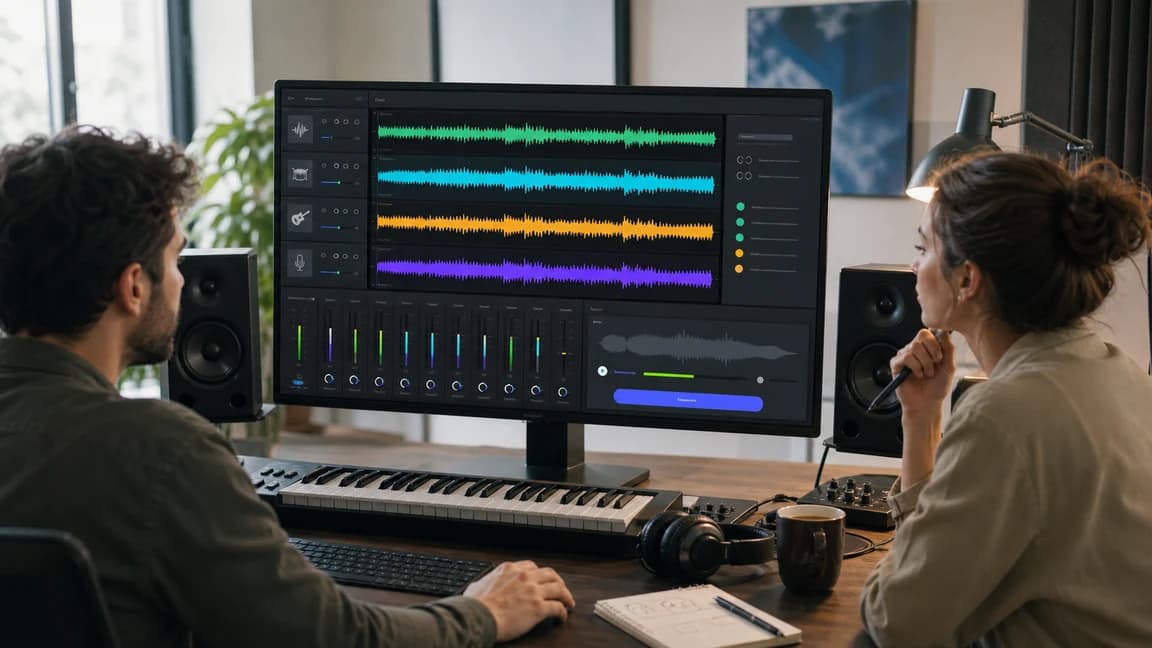
  • Split vocals, drums, bass, and instruments for remixing, cleanup, alternate cuts, and production control.
  • Remove vocals to create instrumental, karaoke, practice, remix, or cover-prep versions from supported tracks.
Explore AI Editing Tools
Edit and Customize Your Music with AI Tools

Publish

Usage and Licensing for Real Projects

Plan usage, pricing, and licensing before moving generated music into public channels, campaigns, or client work.

  • Use an Active Paid Subscription for publishing, client projects, brand assets, and repeatable production volume.
  • Review license guidance before releasing music in videos, podcasts, games, ads, or business content.
  • Keep a clearer path from generation history to final delivery when teams need proof and usage context.
Review Commercial Use
Usage and Licensing for Real Projects

How to Make AI-Generated Music

How to generate music with AIMusicGens

1

Step 1

Describe your idea

Write the genre, mood, use case, lyrics, or scene you want the track to support.

2

Step 2

Generate and compare

Create songs, instrumentals, or lyric drafts, then compare versions to find the strongest direction.

3

Step 3

Refine and prepare

Extend tracks, split stems, remove vocals, and prepare the best output for your next project.

Who Uses AIMusicGens

Music Made Easy for Every Creator

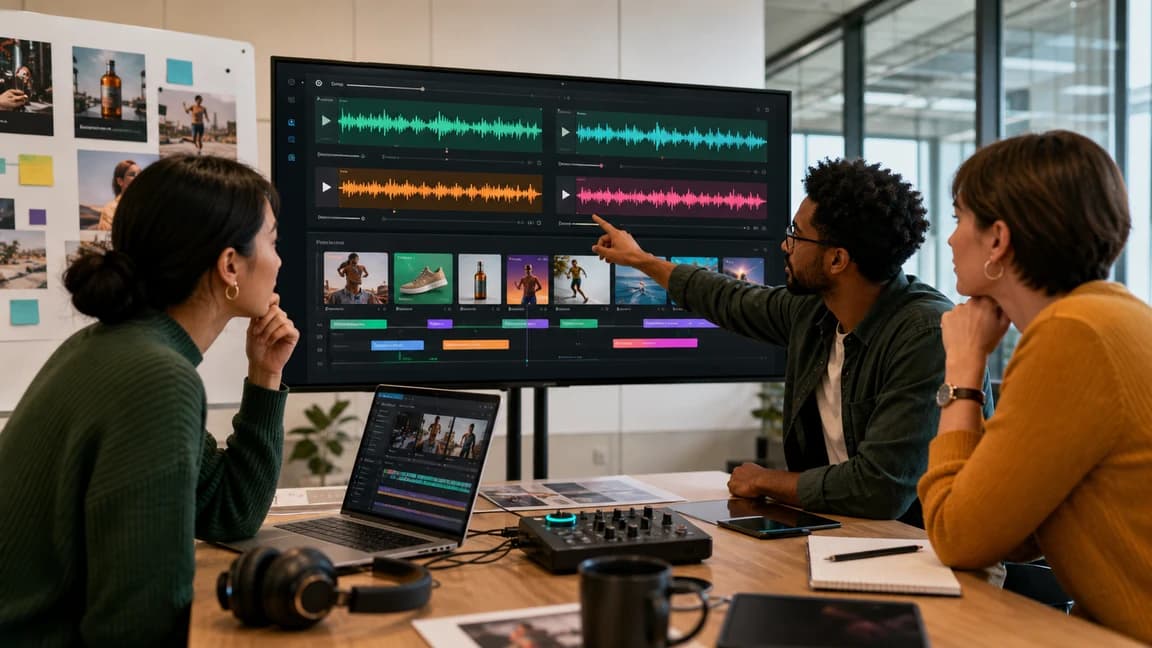
AI music workflows for YouTubers, podcasters, filmmakers, advertisers, composers, brands, and anyone exploring faster songwriting ideas.

For YouTubers

For YouTubers

Challenges

  • Background music needs to support narration and pacing while keeping usage rights easy to review.
  • Searching stock libraries can slow down publishing and still leave the video sounding generic.

Solution

  • Generate original instrumentals from a video theme, mood, or scene brief, then compare versions before the final edit.
  • Use text-to-music and full-song workflows when intros, outros, shorts, or channel themes need a more specific sound.
Original BGMVideo themesFast publishing
For Podcasters

For Podcasters

Challenges

  • Shows need recognizable intros, transitions, and background beds without a large production budget.
  • Free music can make different episodes feel disconnected or less professional.

Solution

  • Turn an episode concept, audience tone, or brand note into custom intro music and subtle beds.
  • Reuse a clear prompt style to keep recurring segments sonically consistent.
Custom soundEpisode introsBrand consistency
For Filmmakers

For Filmmakers

Challenges

  • A scene can lose impact when the cue does not match the emotion, pace, or visual tension.
  • Custom scoring is often too expensive or slow for early edits, trailers, and pitch materials.

Solution

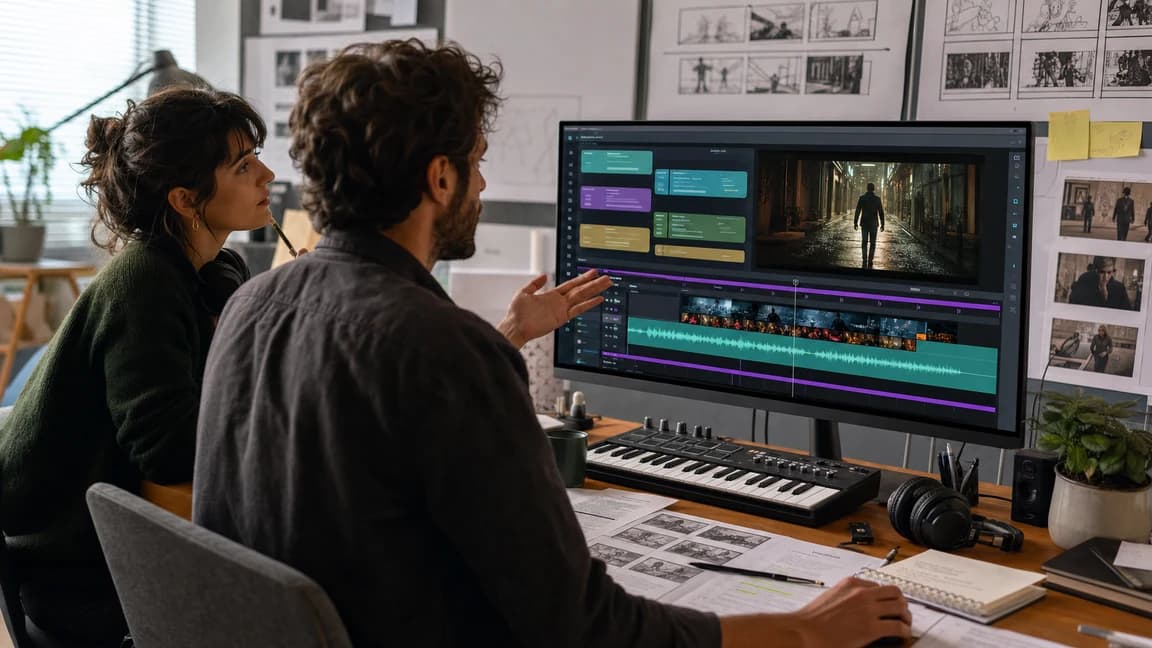
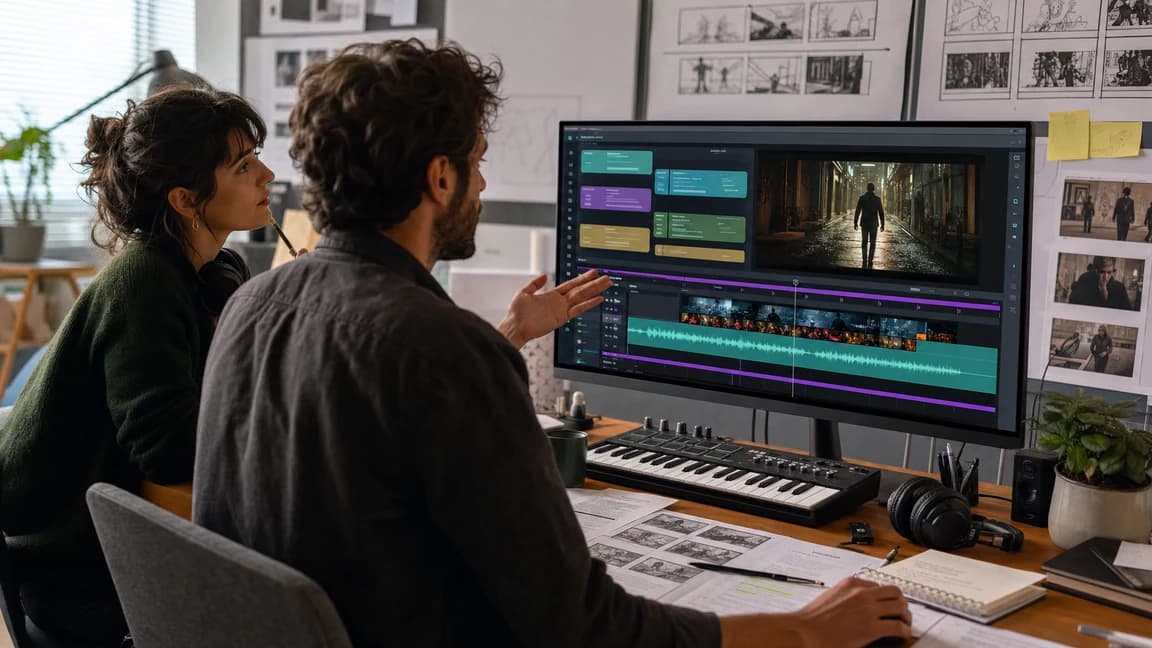
  • Brief the exact scene purpose and generate original score directions before locking the edit.
  • Use stem and vocal tools after generation when a cue needs more production control.
Scene scoresTrailersEdit reviews
For Advertisers

For Advertisers

Challenges

  • Campaign music has to be memorable, format-friendly, and quick to adapt across many cuts.
  • Licensing and overused tracks can complicate launch timelines.

Solution

  • Generate brand-fit music from campaign goals, product tone, and audience notes in a focused workflow.
  • Explore several hooks and energy levels before choosing the track that best supports the message.
Campaign hooksSocial adsProduct launches
For Music Composers

For Music Composers

Challenges

  • Writer's block, deadline pressure, and weak first ideas can stall a composition session.
  • Composers often need quick references, lyric drafts, or alternate arrangements before committing to a full production path.

Solution

  • Use AIMusicGens as a fast ideation partner for lyric starts, melody mood, genre direction, and demo references.
  • Move promising outputs into extension, stem splitting, or vocal-removal workflows for deeper analysis and refinement.
Idea sparkingLyric draftsWorkflow boost
For Brands

For Brands

Challenges

  • Music from scattered sources can weaken brand recognition across social, product, and campaign touchpoints.
  • Building a consistent audio identity is difficult when each project starts from scratch.

Solution

  • Create a library of original, on-brand music directions from repeatable prompts and usage notes.
  • Keep generation, refinement, pricing, and license review inside one AIMusicGens workflow.
Brand identityConsistent soundReusable library

Frequently Asked Questions

What is AIMusicGens?

AIMusicGens is an AI music generation and post-production platform for creating songs, lyrics, instrumentals, MIDI-ready ideas, and publish-ready music edits.

What can I create with AIMusicGens?

You can create full songs, instrumental background music, lyric drafts, creator-ready demos, and music assets for videos, podcasts, social content, product demos, and songwriting.

Does AIMusicGens include an AI Lyrics Generator?

Yes. You can draft hooks, verses, choruses, and song ideas before turning the strongest words into a finished track.

Can I generate instrumental-only music?

Yes. Text to Music supports instrumental workflows for videos, podcasts, games, product demos, and background music.

What AI music tools are included?

AIMusicGens includes AI Music Generator, Own Lyrics, Text to Music, AI Lyrics Generator, Audio to MIDI, MIDI Editor, AI Song Extender, AI Stem Splitter, and AI Vocal Remover, so creators can move from idea to track, editable assets, and final production prep.

Can I use AIMusicGens for commercial projects?

Active paid subscriptions include commercial usage rights and certificate access under the License Agreement. Free usage is for evaluation.

Do I need music production experience?

No. You can start with a plain-language prompt, lyric idea, mood, genre, or content brief.

Is AIMusicGens free to try?

Yes. Every user gets 3 free generations per day to test prompts and explore the music generation workflow before upgrading.

Creator ready to turn a brief into finished music

Ready to create and refine your next track?

Start with a prompt, lyric idea, or content brief. Generate music, compare directions, and keep improving the best result with AIMusicGens.