
Step 1 - Select Your Song
Choose an existing song from your AIMusicGens library that you want to continue or lengthen.
Choose a song from your AIMusicGens library to extend.
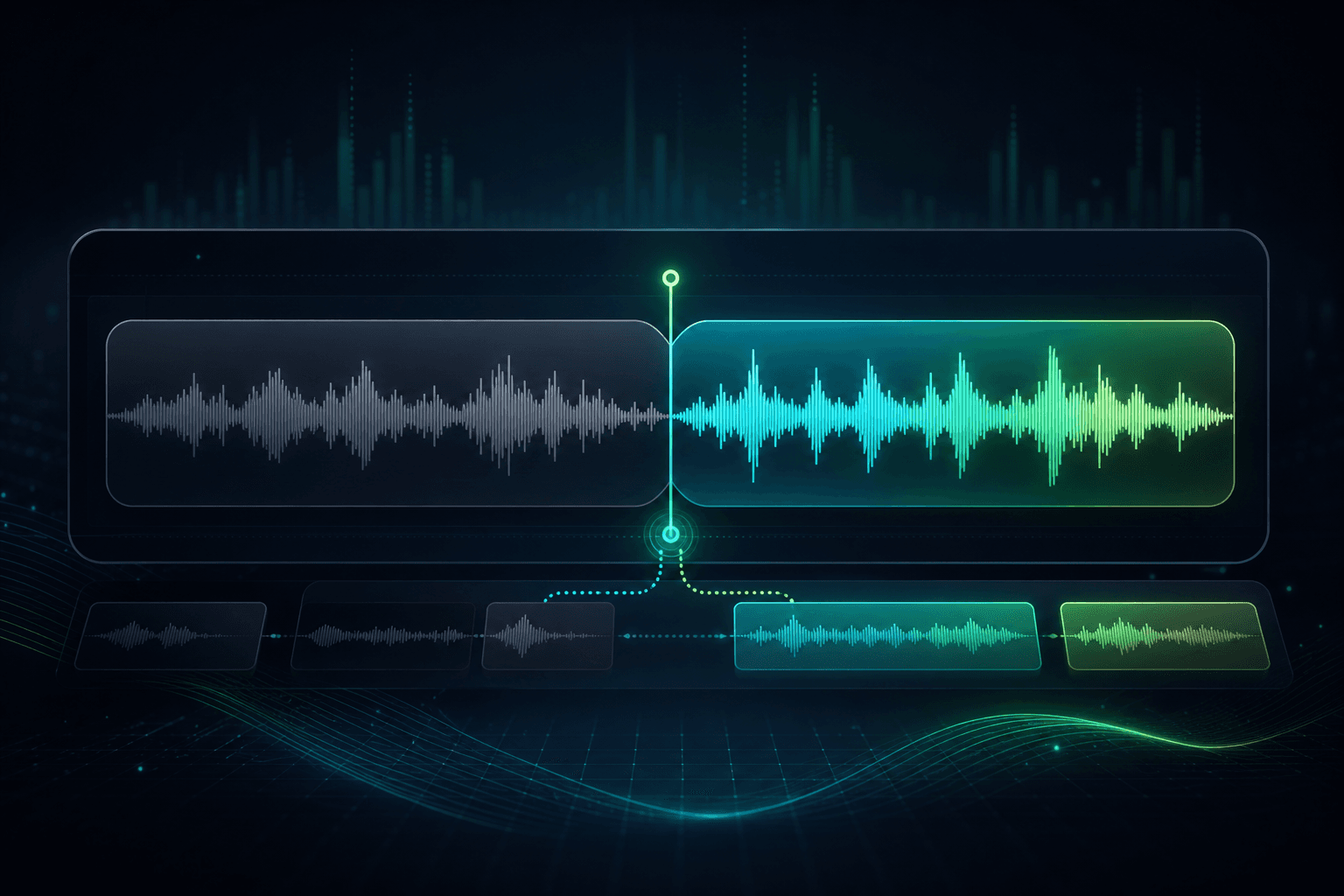
AI Song Extender sits after AI Music Generator in the AIMusicGens workflow. When a generated track has the right hook, voice, or mood, use this page to keep that take and add more runway instead of starting over. This keeps the site hierarchy simple: generate the first song, extend the best version, then split stems or remove vocals only when the arrangement is worth refining.
Use it to move from a promising source track into a more complete arrangement:
Best fit: keep a strong generation • shape the arrangement • avoid a full restart • prepare the next post tool
Before you extend a track, you need a song in your AIMusicGens library. Running an extension requires a paid plan and uses 1 generation credit.
Choose an existing song from your AIMusicGens library that you want to continue or lengthen.
In your extension prompt, describe what you want to add:
You can guide the target length, and AI Song Extender can create versions up to 8 minutes total.
AI Song Extender uses the source track as a reference for:
Then it queues a new version that blends the added section into the original composition. Review the result in My Songs when generation is complete.
Start the extension from the strongest moment in the source track instead of regenerating the whole song.
Use a short prompt to ask for a bridge, outro, instrumental break, bigger chorus, or longer arrangement.
The extension follows the source track so the new section feels connected to the song you already liked.
After extension, continue with stem splitting, vocal removal, download, or library review from the same AIMusicGens workflow.
Turn short promising drafts into fuller arrangements for review.
Prepare longer versions for platforms, videos, or client previews.
Insert intros, bridges, or endings before your final release.
Refine song arrangement without complex timeline edits.
Add deeper arrangement and better flow to generated tracks.
Use AI Song Extender when a track is already close and you want to add sections without losing the original direction. Regenerate or edit manually when the source idea itself needs a new take.
| Decision point | Regenerate or edit manually | AI Song Extender |
|---|---|---|
| Starting point | Start from a new prompt or a DAW timeline | Start from the song you already like |
| Continuity | May change style, vocal tone, or structure | Uses the source track as the reference |
| Section control | Requires arrangement edits or repeated prompts | Choose a continuation point and describe the next section |
| Best use | When the original direction is wrong | When the hook, voice, or mood is worth keeping |
Start in AI Music Generator when you need the first full song. Bring the winning result here to lengthen the arrangement, then move into separation tools if you need more post-production control.
Generate the first complete track in AI Music Generator, then come back here when you want a longer intro, bridge, or ending.
Open AI Music GeneratorAfter extending the arrangement, split the best version into stems for deeper remix and production workflows.
Open Stem SplitterIf you only need the vocal and the backing separated after extension, use Vocal Remover as the next post step.
Open Vocal RemoverYou can extend your track up to 8 minutes total length, depending on the original duration.
You can add intros, bridges, outros, instrumental breaks, or extend existing parts of the song.
Yes. The extension is generated from the source track so it follows the original tempo, harmony, and instrumentation as closely as possible.
No. The process is fully automatic and runs directly in your browser.
This page is built around songs in your AIMusicGens library. Generate or save a song in AIMusicGens first, then choose it here to extend.
The page is public, but running a song extension requires a paid plan and uses 1 generation credit.
Regenerating starts a new take from a prompt. AI Song Extender keeps a source track you already like, lets you pick the continuation point, and adds a new section from that context.
After you submit an extension, the new version is queued and appears in My Songs when generation is complete.
Select a song you already made, extend the strongest version, and keep the workflow moving without rebuilding the track from scratch.